Чем снимать занятия
ИИ-помощник разбирает занятие по видео и звуку: чем чище картинка и речь ребёнка, тем точнее анализ и советы. Начать достаточно с обычного телефона — а для ещё лучшего результата ниже есть камера со слежением и микрофон.
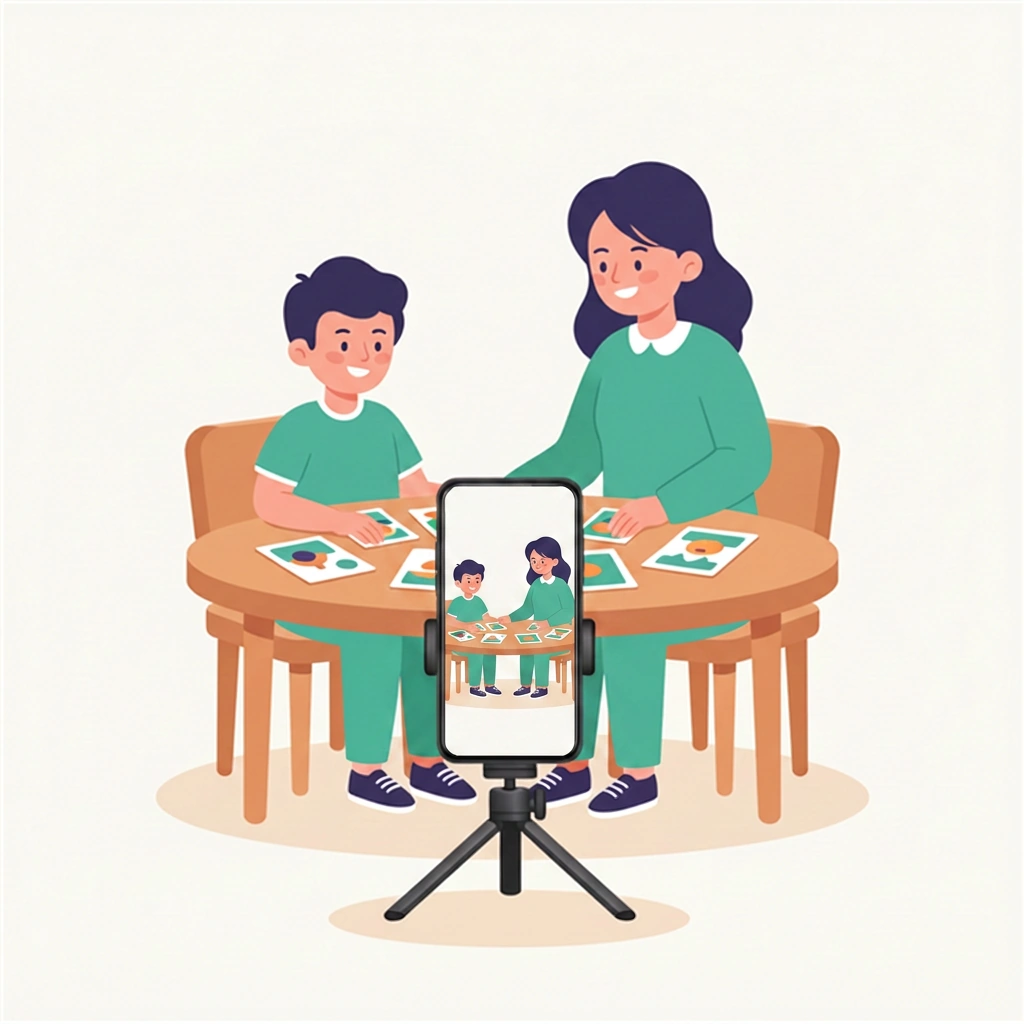
Обычный телефон на штативе
Никакого специального оборудования не нужно. Поставьте телефон на штатив, откройте приложение MishaLive и снимайте занятие — этого достаточно, чтобы помощник разобрал сессию и дал советы.
- ✓ Подойдёт любой современный Android-телефон
- ✓ Недорогой штатив, чтобы кадр не дрожал
- ✓ Запись прямо в приложении MishaLive
Redmi Note 14 Pro 5G или лучше
Именно на этом телефоне у нас всё отлажено и отработано — можно снимать занятия сразу, без дополнительного оборудования.
- ✓ Хорошая камера — мелкая моторика и материалы видны чётко
- ✓ Широкоугольный объектив — ребёнок целиком в кадре даже в небольшой комнате
- ✓ Достойный звук «из коробки» — без отдельного микрофона
Подойдёт и любой другой современный Android-телефон — но эта модель проверена нами.
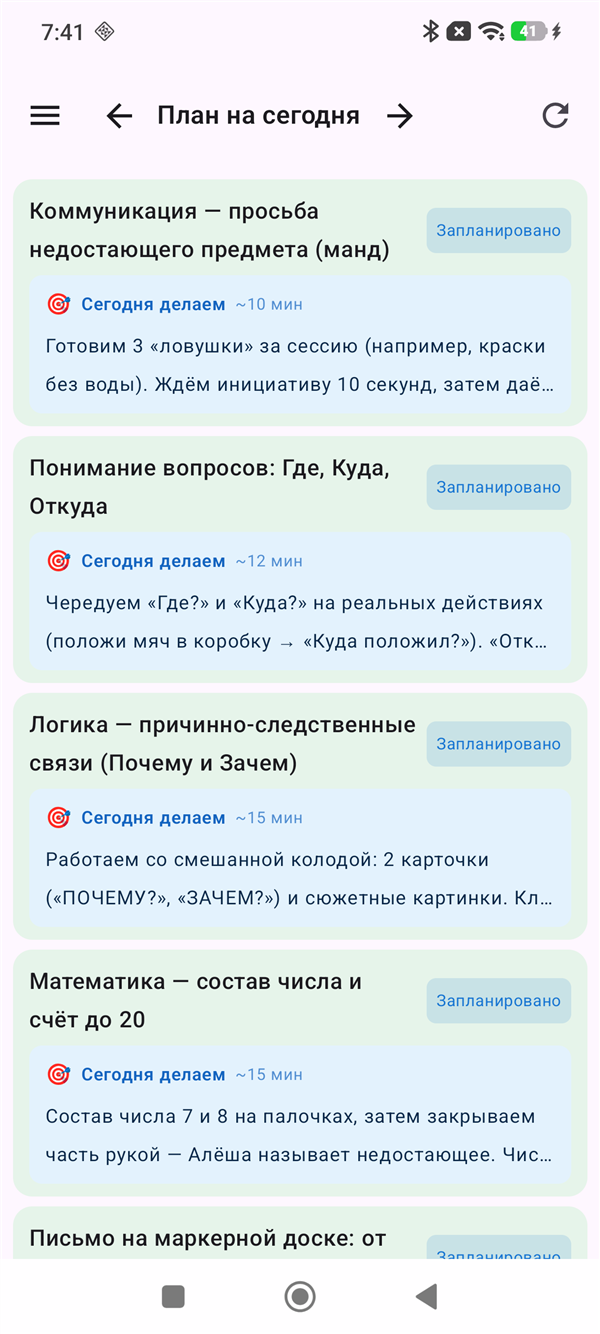
Приложение MishaLive для Android
Начать можно и в браузере, но если вы часто снимаете занятия с телефона — в приложении это удобнее. Всё под рукой, а видео сразу оказывается там, где нужно.
- ✓ Те же задания и расписание, что и в веб-версии — всё под рукой на телефоне
- ✓ Снимаете подряд столько заданий, сколько нужно за одно занятие
- ✓ Отправляете всё на анализ одной кнопкой
- ✓ Видео сразу прикрепляется к своему заданию — не нужно искать запись в галерее телефона
Дополнительное оборудование
Если хотите поднять качество разбора — добавьте камеру со слежением и микрофон.
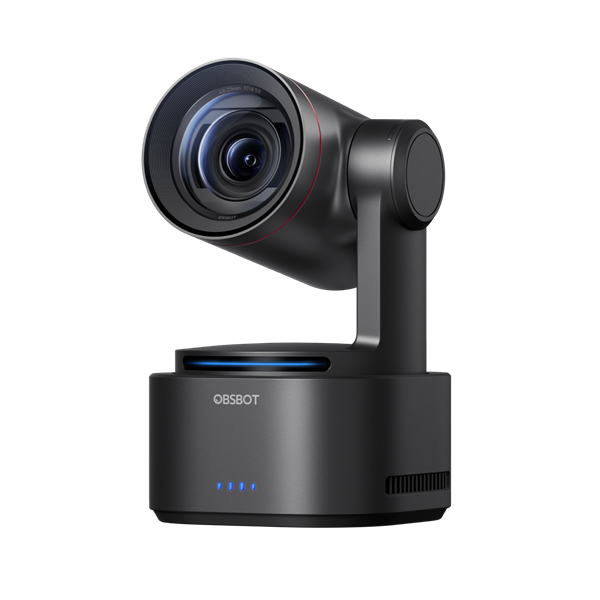
OBSBOT Tail 2
Камера-робот сама находит ребёнка и держит его в кадре — снимать можно без оператора. Ребёнок свободно двигается, а занятие всё равно записывается стабильно и в 4K. Проверена и работает прямо в приложении MishaLive.
- ✓ ИИ-слежение за ребёнком — всегда в кадре
- ✓ 4K — мелкая моторика и материалы видны чётко
- ✓ Подключается прямо в приложении MishaLive для Android
🎙 Как подключить микрофон к камере
Возьмите приёмник DJI Mic 3 и соедините его кабелем из комплекта с микрофонным входом OBSBOT Tail 2. Тогда чистый звук с петлички пойдёт прямо в камеру — и видео, и звук записываются вместе.
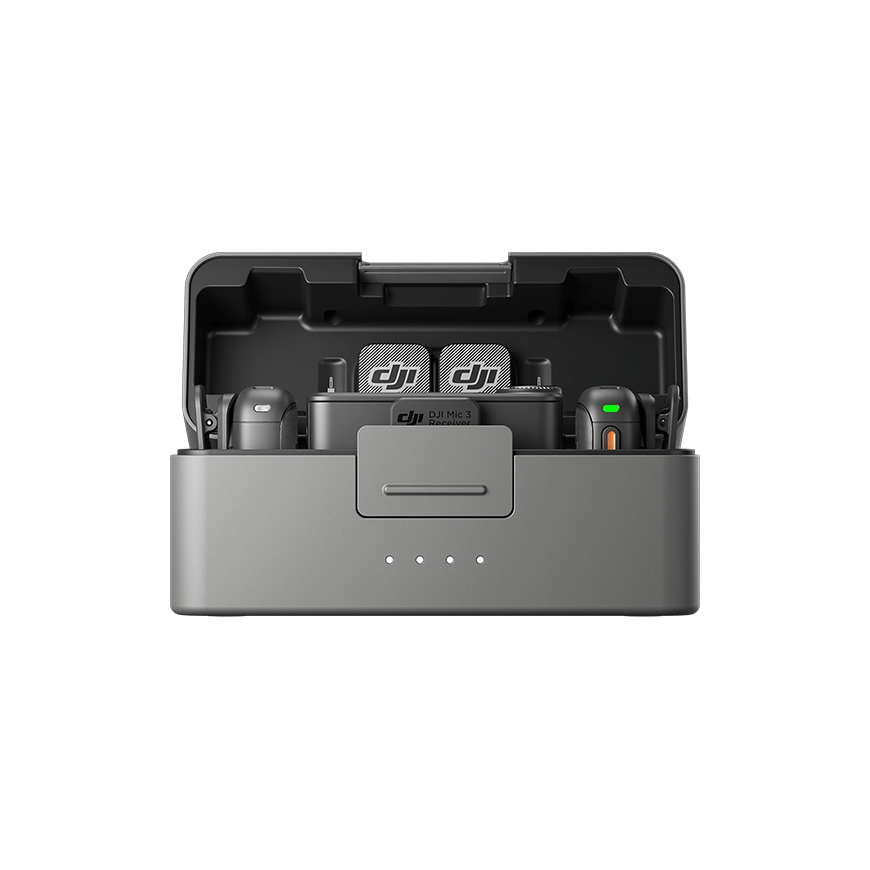
DJI Mic 3
Маленький петличный микрофон передаёт чистую речь ребёнка и специалиста даже с расстояния. Чем разборчивее звук, тем точнее ИИ распознаёт реплики и оценивает занятие.
- ✓ Чистый звук речи с расстояния, без шума комнаты
- ✓ Крошечный и лёгкий — не отвлекает ребёнка
- ✓ Подключается к телефону или к камере OBSBOT Tail 2 (кабелем из комплекта)